
VKHow to film
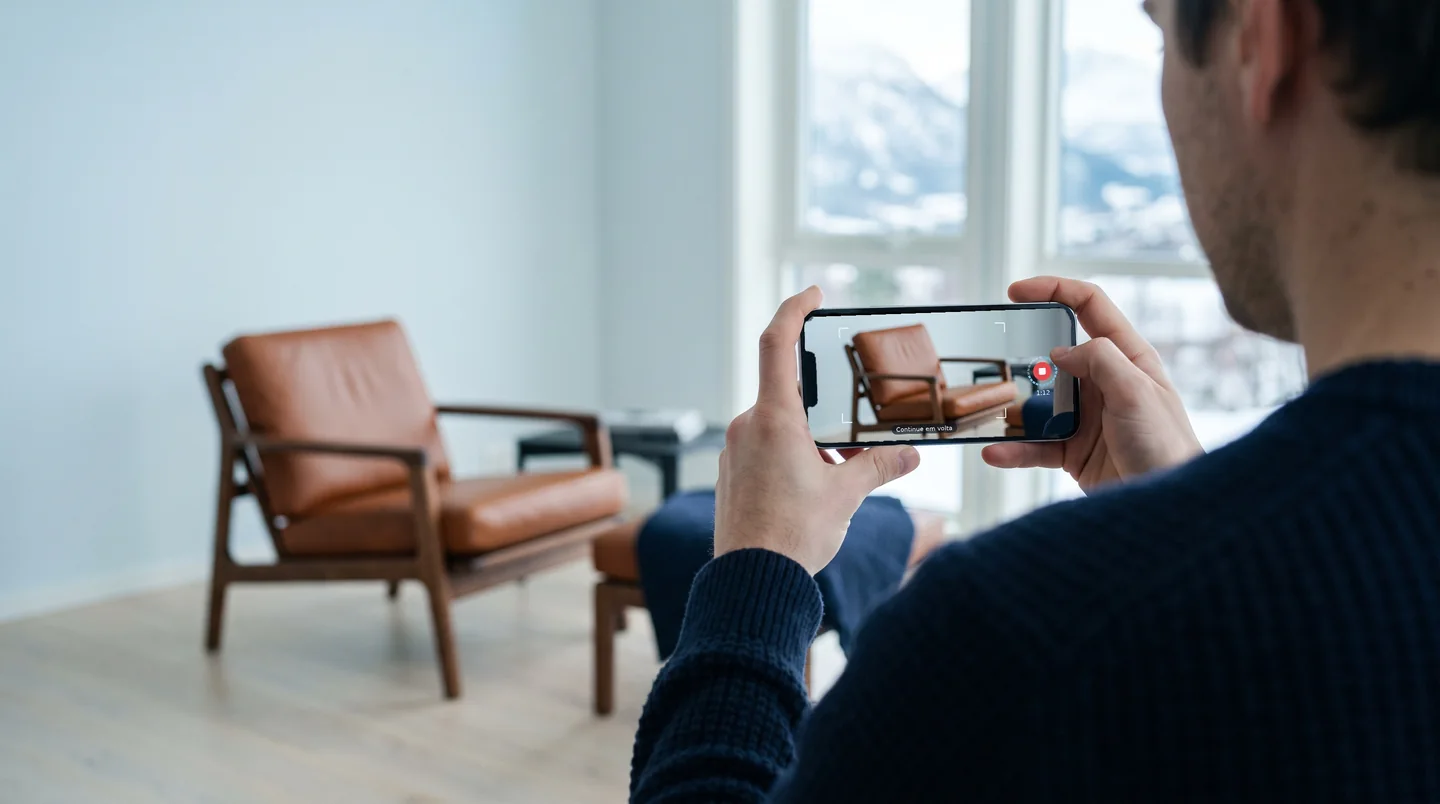
Walk around it, slowly. That is the whole shoot.
Five steps with the phone you already have.
Clear the space
Even light and room to walk all the way around. A plain background helps.
Frame the whole object
Keep it inside the frame the whole time. Long objects, like a motorcycle or a sofa: hold the phone sideways.
Walk one slow lap
Eye level, same distance, one full circle. One to two minutes.
More laps, from above and below
Add a lap from higher up and one from lower down, and as many angles as you can. Every angle you film is a real photo on screen. Where the object stops at an angle you did not film, it shows the 3D reconstruction.
RecommendedSend the video
Use the original file from the gallery. If you know the real height, type it in: scale comes out right.
At a glance
What the engine tells you
The object is delivered, with a note.
Some angles were missing. You get the exact seconds to reshoot.
Filmed at one height only. The object turns sideways, not up and down.
The real height was not given. Type it in to get the scale right in AR.
If the engine cannot build the object, the attempt does not count. The usual reasons: the object was not whole in enough frames, the camera positions did not close a lap, or the final check failed. Each one comes with what to do differently.
More details
- Faces and license plates that appear are blurred automatically, before anything else.
- The original video is kept for 7 days in private storage, in case it needs reprocessing, then deleted.
- The object can stop at any angle. Angles you filmed show the real photo; the others show the 3D reconstruction. More laps and heights mean more real photos.
- Glass, gaps and openings carry some of the background into the object. A plain wall behind helps.
- 4K and the phone’s own stabilization give the best result. MP4 or MOV, up to 2 GB.
- In the account area, “Film now” opens a guided capture in the browser: a frame, a ring that fills as you walk around, one short message at a time. The phone camera app still gives the best quality.